5 Best Video Hosting Solutions for Webflow
If you've tried adding videos straight to your Webflow site, you know it can be a pain. Webflow is awesome for building websites, but it's not great at handling video files. Big videos slow everything down, use up your bandwidth, and make your site feel sluggish.
Good news, there are some solid video hosting tools out there that fix these problems. Whether you're building a portfolio, selling courses, or running a marketing site, picking the right video host matters. Here are five options worth checking out.
Why Not Just Host Videos Yourself?
Before we get into the list, let's talk about why you shouldn't just upload videos directly to Webflow or your own server.
Video files are huge. Even a short clip can easily be over 100MB. When you host these yourself, every person who watches that video pulls data from your server. That means slower pages, bandwidth headaches, and maybe extra hosting costs.
Video hosting platforms take care of all this for you. They store your videos on fast servers around the world, compress files so they load quickly, and handle the technical stuff behind the scenes. Most of them also adjust video quality automatically based on how fast someone's internet is. The result? Faster loading, smoother playback, and happier visitors.
Let's look at your options.
1. Storageflow
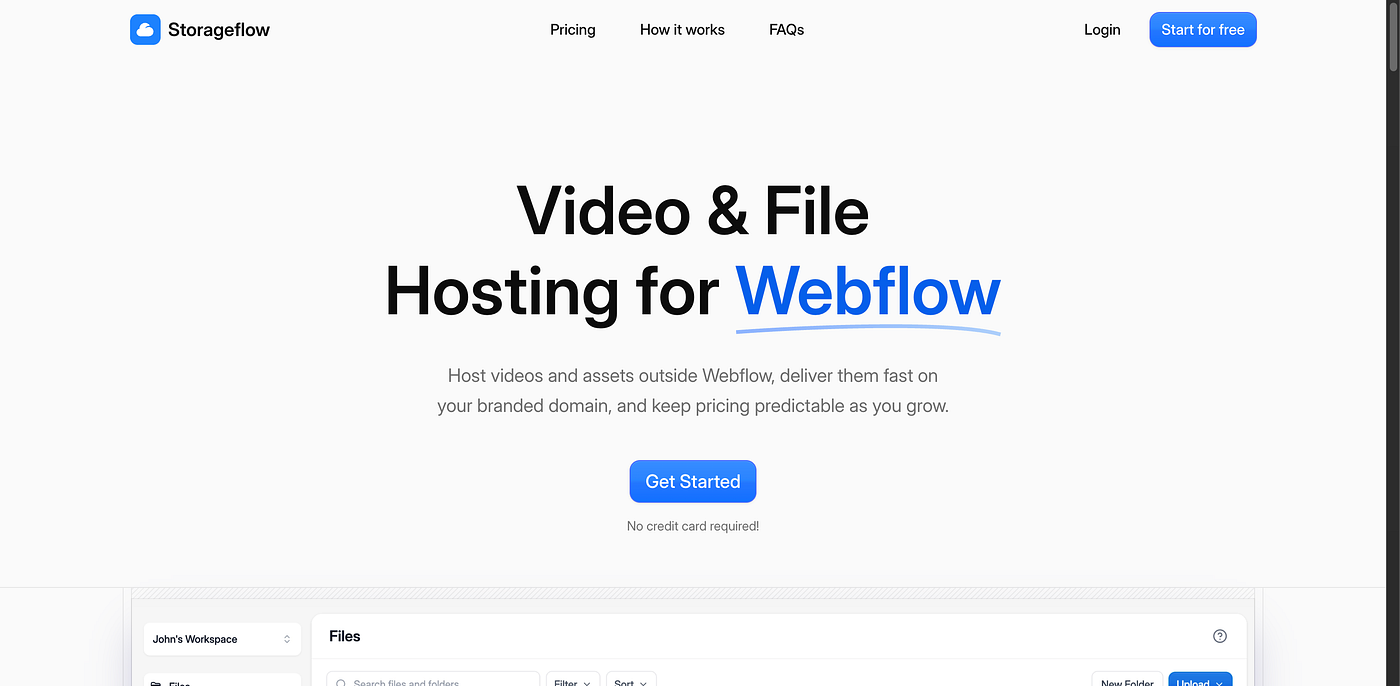
If you want one tool that does it all, Storageflow is hard to beat. You can find it at trystorageflow.com.
What makes it different? It's not just for video. You can host Lottie animations, 3D models, PDFs, and files from form submissions too. So instead of juggling five different services, you've got one place for everything.
This is really handy if you're building modern sites with lots of interactive stuff. Need smooth animations on your homepage? Storageflow handles it. Got a product page with 3D models? Covered. Collecting files through contact forms? That works too.
Price-wise, it's more affordable than most other options. If you're a freelancer or small agency watching your budget, that adds up fast—especially since you're replacing what might otherwise be several different subscriptions.
The platform compresses your videos automatically, so you don't need to be a tech expert. And if you work on multiple client sites, you can manage all your files in one dashboard.
2. Vidzflow
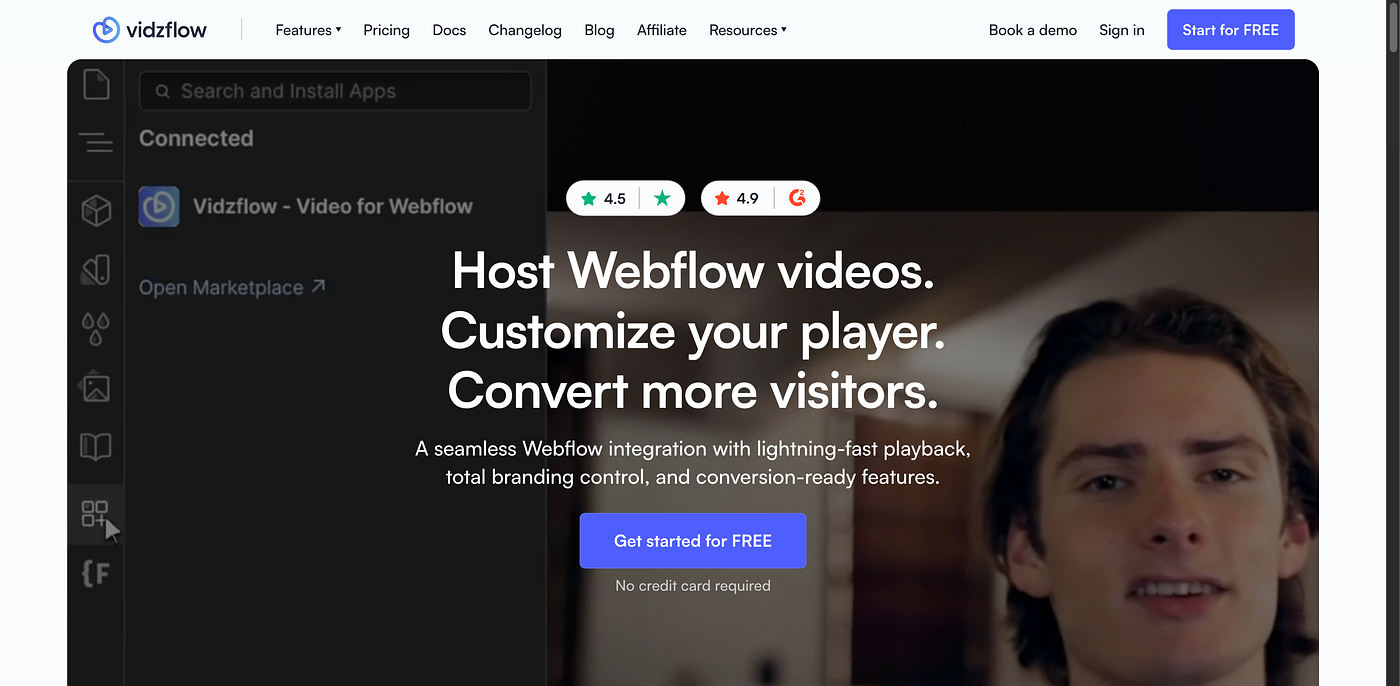
Vidzflow has built a solid reputation with Webflow users. It was made specifically for the platform, so everything feels smooth and natural.
The big selling point here is speed. Vidzflow uses servers all over the world to make sure your videos load fast no matter where your visitors are. If you have an international audience, this really helps.
You can also customize how the video player looks. Most video platforms give you a player that sticks out like a sore thumb on your site. Vidzflow lets you match it to your design so everything looks consistent.
The dashboard is simple and easy to use. You can manage your videos, check analytics, and grab embed codes without any hassle. If you want something straightforward that just works, Vidzflow delivers.
3. FlowDrive
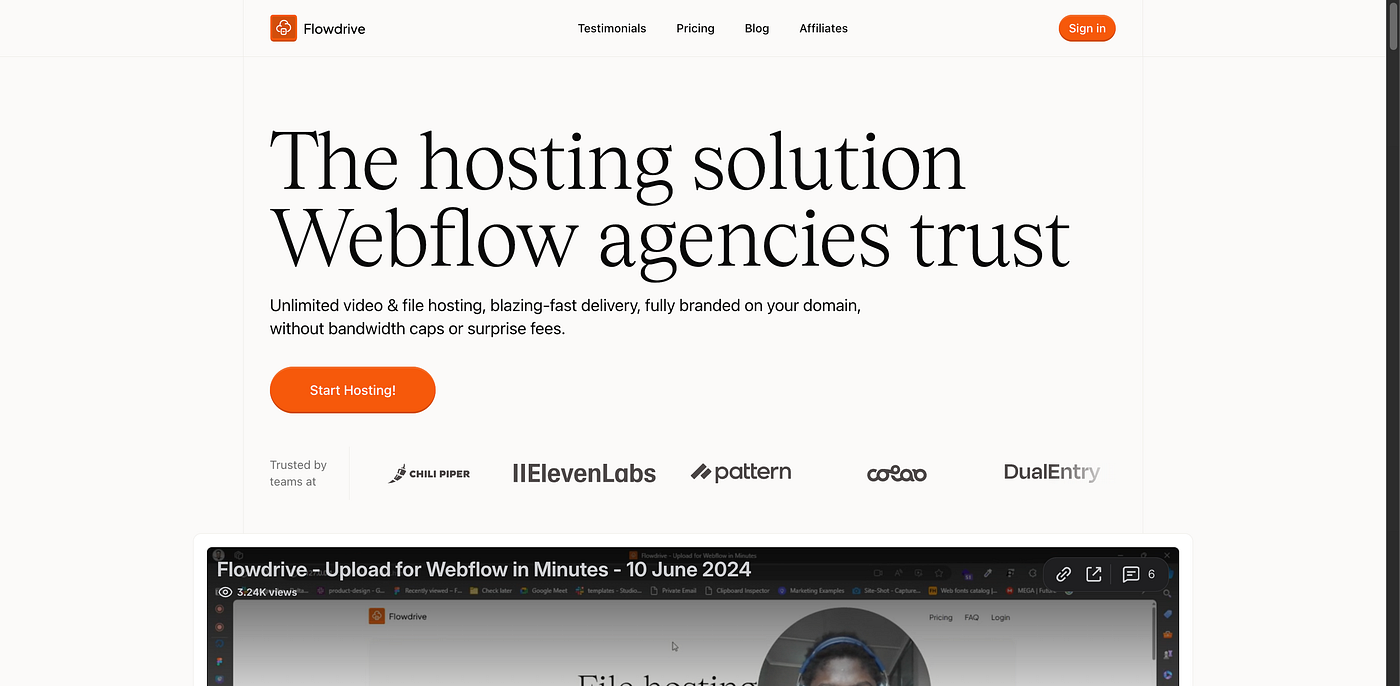
FlowDrive is more of an all-purpose file hosting tool. This makes it great if your site needs both videos and downloadable content.
Building an online course with video lessons and PDF workbooks? FlowDrive lets you keep everything in one spot.
It also works nicely with Webflow's CMS. You can connect FlowDrive files to your CMS collections, which opens up possibilities for video libraries, course platforms, or media-heavy blogs that pull content dynamically. Not every video host handles this well, so it's a real plus.
Their pricing is also pretty simple. No confusing tiers or hidden overage charges. You know what you're paying for, which makes budgeting for client projects much easier.
4. Vimeo
Vimeo isn't built specifically for Webflow, but it's still one of the most popular choices for web designers everywhere.
The main advantage? It's been around forever and has tons of features. You get detailed analytics, password protection, privacy controls, and the ability to restrict where your videos can be embedded. If you need that level of control, Vimeo has the tools.
The player looks polished and professional. A lot of creative people see Vimeo as higher quality than YouTube, so embedding Vimeo videos can help position your brand as more premium.
The downsides: integration isn't as seamless as Webflow-specific tools, and it can get expensive as your needs grow.
5. Gumlet

Gumlet comes at video hosting from a performance angle. They started out optimizing images and brought that same mindset to video.
What stands out is how they optimize for different devices and connection speeds. Mobile visitors on slow connections get a lighter version of your video, while desktop users get higher quality. This kind of adaptive delivery makes a real difference in user experience.
Gumlet also gives you detailed analytics. You can see where viewers drop off, track engagement, and get insights that help you improve your content. If video performance directly affects your business results, this data is gold.
Setup is done through standard embed codes. It's not quite as seamless as Webflow-specific tools, but it's still pretty easy. Their documentation is thorough, and support is helpful if you get stuck.
Which One Should You Pick?
It depends on what you need:
Want an all-in-one solution at a good price? Go with Storageflow.
Need something built specifically for Webflow? Try Vidzflow.
Working with lots of mixed media and downloadable content? Check out FlowDrive.
Need advanced privacy controls and a trusted name? Vimeo is your best bet.
Focused on performance and optimization? Gumlet has you covered.
All of these are solid choices. The right one just depends on your specific situation and what matters most for your project.